You haven't signed in yet, you can have a better experience after signing in
*Please complete the payment within {{receiveCouponInfo.expire_at}}Previous use*
You haven't signed in yet, you can have a better experience after signing in



Activity Rules
1、Activity time:{{ info.groupon.start_at }} ~ {{ info.groupon.end_at }}。
1、Activity time:cease when sold out。
2、Validity period of the Group Buying:{{ info.groupon.expire_days * 24 }} hours。
3、Number of Group Buying:{{ info.groupon.need_count }}x。
Please Pay Attention
1、Teamwork process: Join/initiate a Group Buying and make a successful payment - Within the validity period, the number of team members meets the activity requirements - Group Buying succeeded!
2、If the number of participants cannot be met within the valid period, the group will fail, and the paid amount will be refunded in the original way.
3、The number of people required and the time of the event may vary among different products. Please pay attention to the rules of the event.
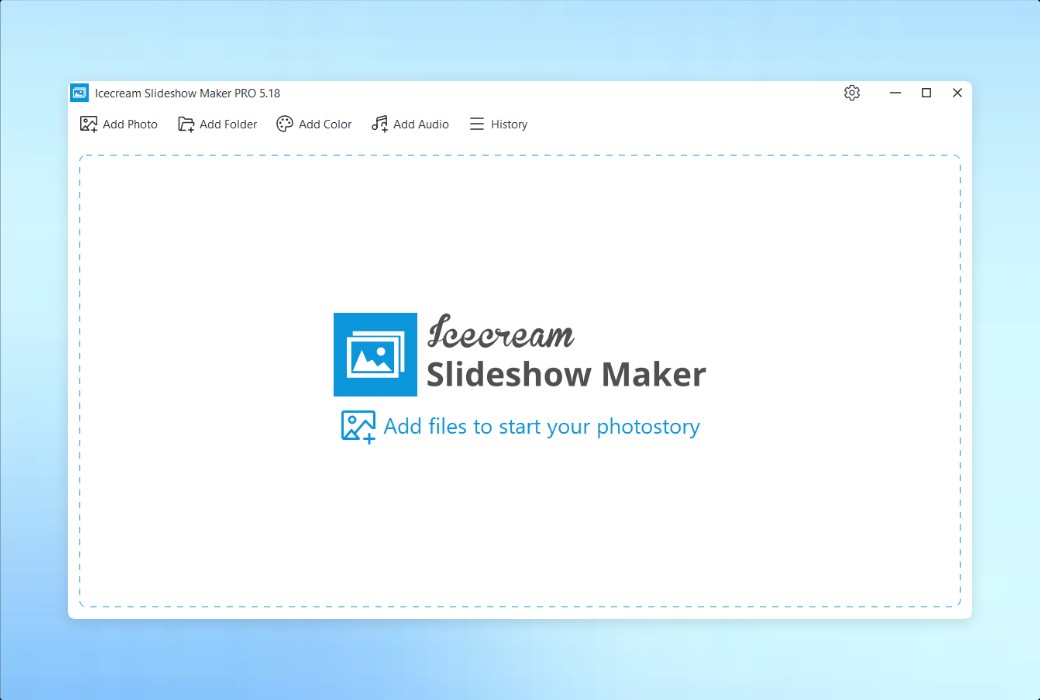
Use Icecream Slideshow Maker to easily create impressive slides and video presentations. You can integrate elements such as photos, adding transition effects, music, text, etc. together, with a simple and convenient operation process.
Main functions
Use professional video slides to easily capture the beautiful moments of your wedding, trip, graduation ceremony, or birthday party.
Add background music in MP3, M4A, or WAV format to your slides. If your photo slideshow is long, you can also add the entire audio playlist.
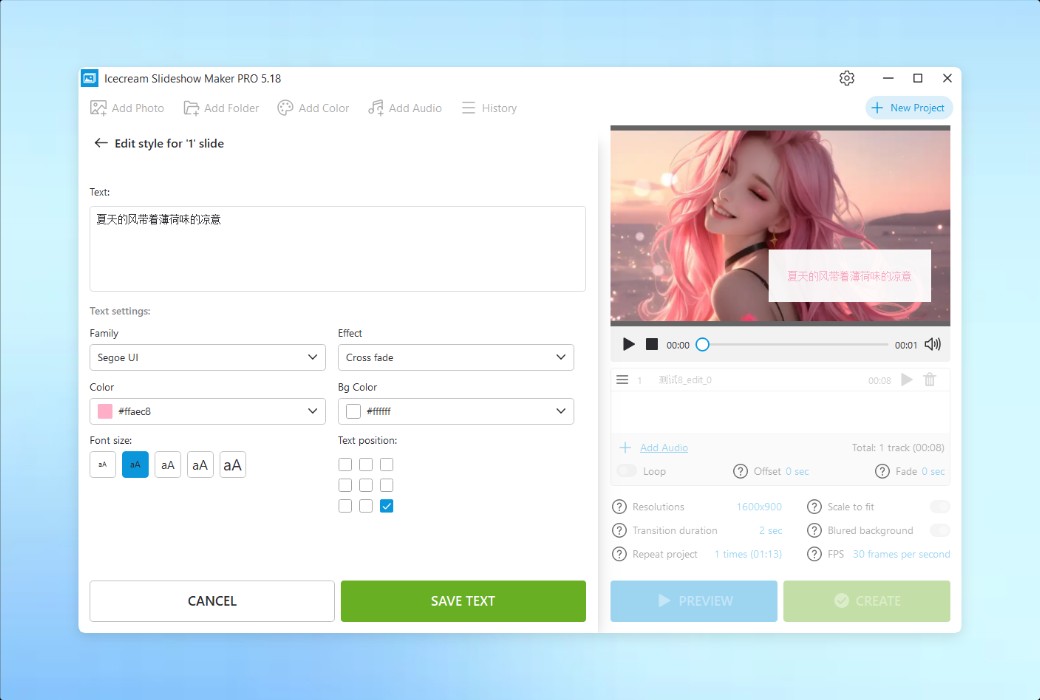
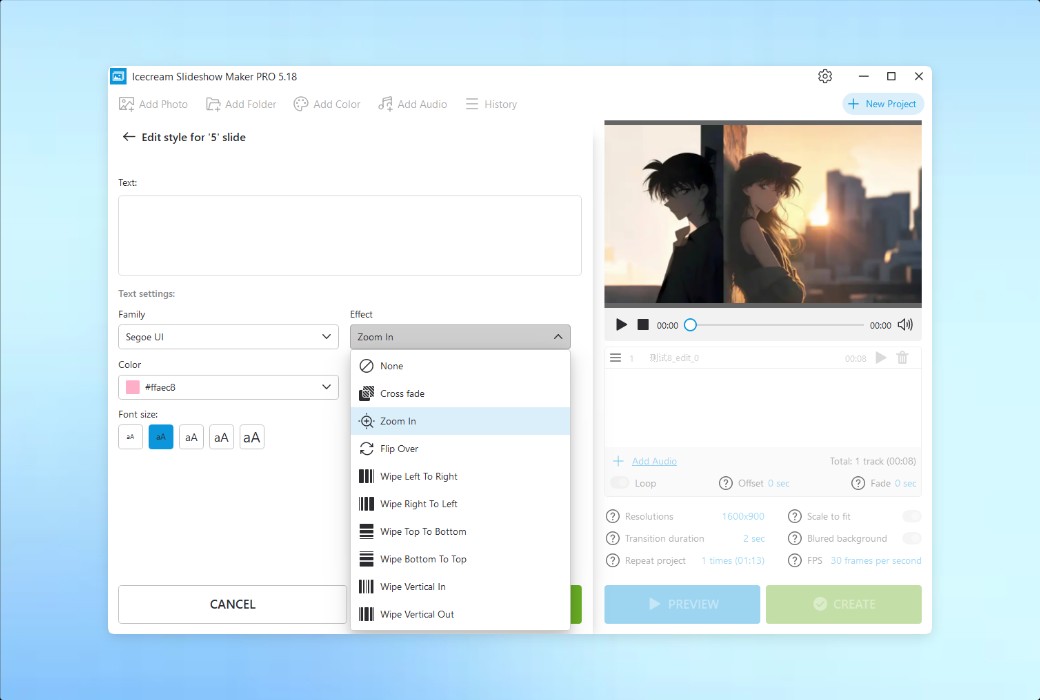
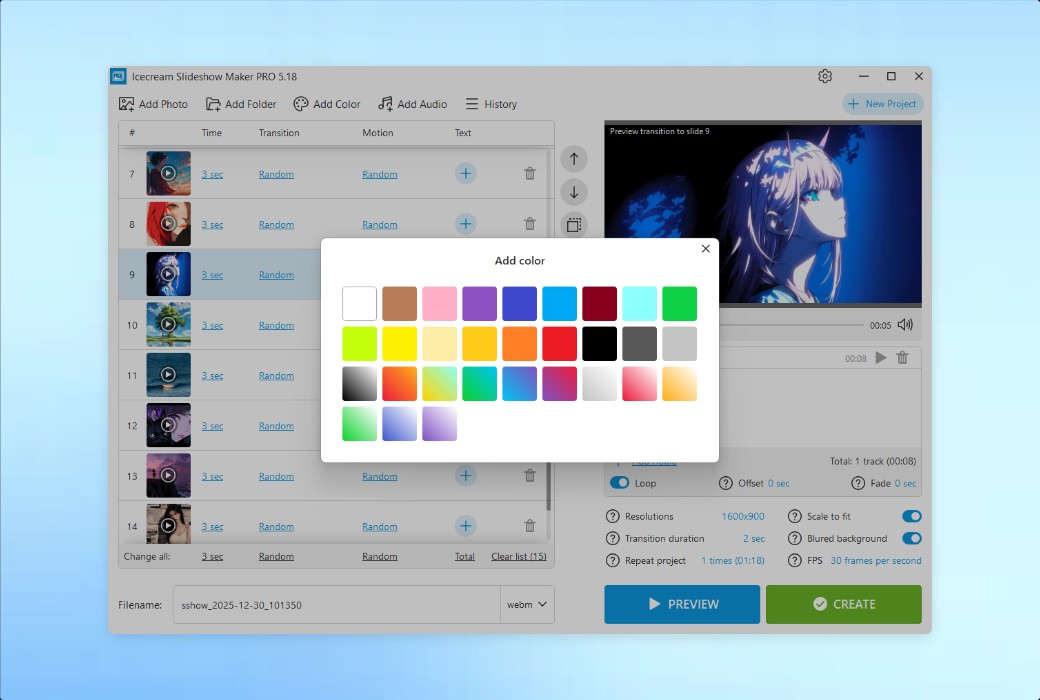
Add text to the slides using the slide production tool. You can adjust the font, color, animation effects, background color, and position to personalize your text content.
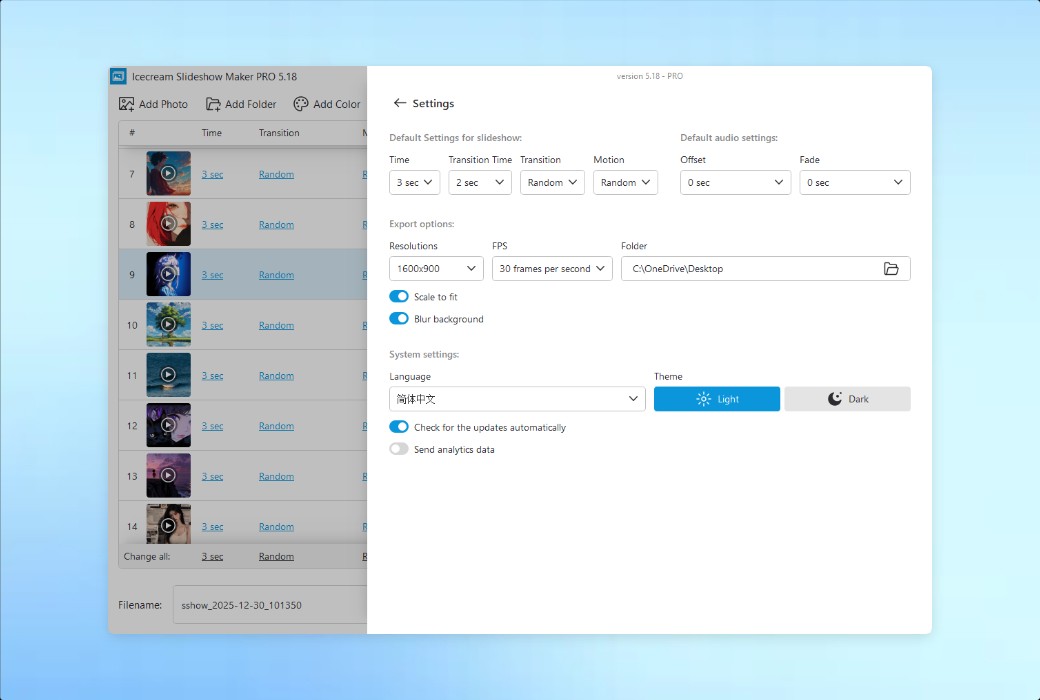
Even with the free version of the program, you can perfectly create watermark free and exciting videos from photos. If you are interested in advanced features, you can upgrade to the professional version.
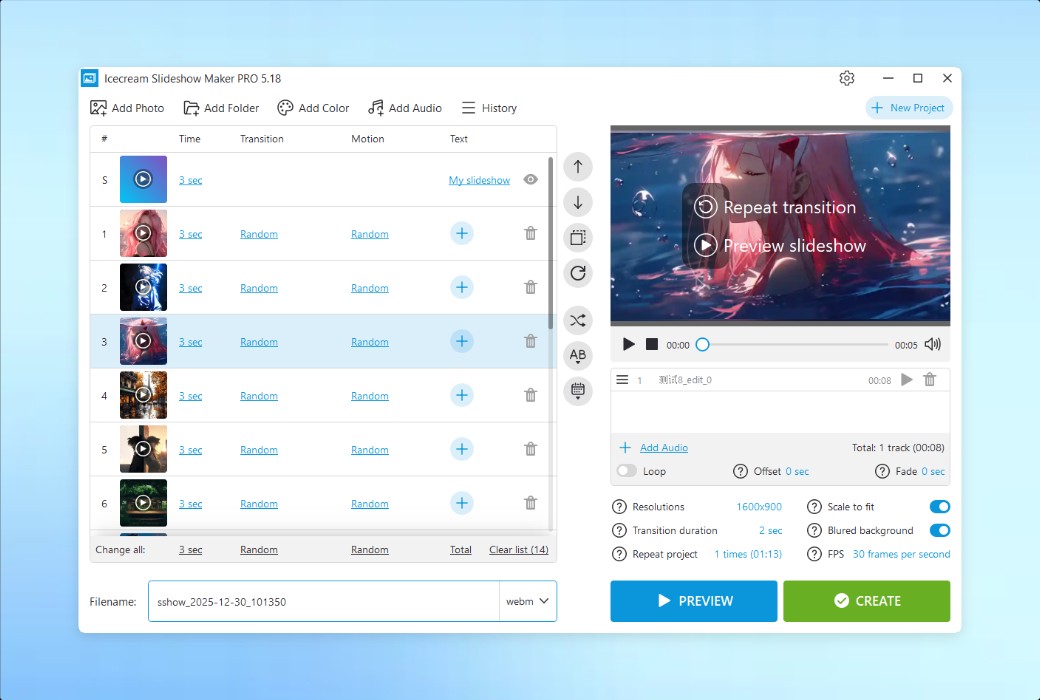
What are the advantages of our slideshow software? It is very easy to use. Simply drag and drop images and audio, customize default/batch/random settings, and utilize sorting options to easily create beautiful slides.
You can use our PowerPoint presentation program on all Windows operating systems (from Windows 7 to Windows 11). With its intuitive interface and easy-to-use features, our application is undoubtedly the best Windows slide production tool.
Features
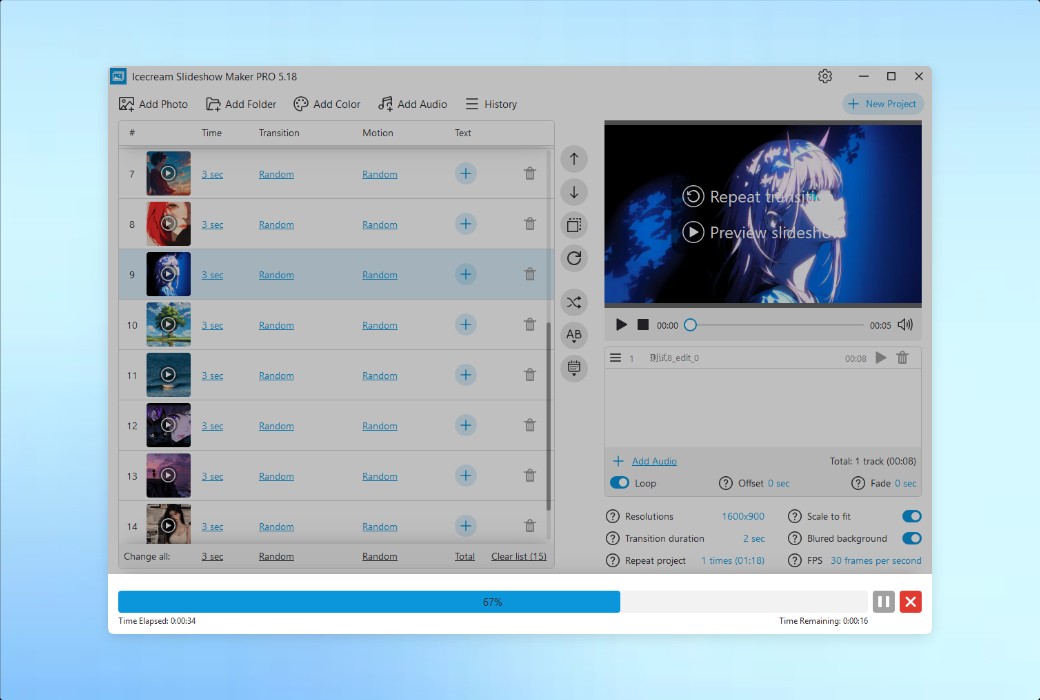
You can preview complete photo slides or specific slides in the built-in player of the slide production tool. Once the changes are completed, you can view them immediately.
Set the duration (in seconds) for each slide and transition effect. Use the batch setting function to apply the required time settings to all the slides to be played.
Over 25 cool transition effects to make your slides more exciting: fade in/fade out, shrink, cross fade, flip, checkerboard, and more. It also provides a "random transition" option.
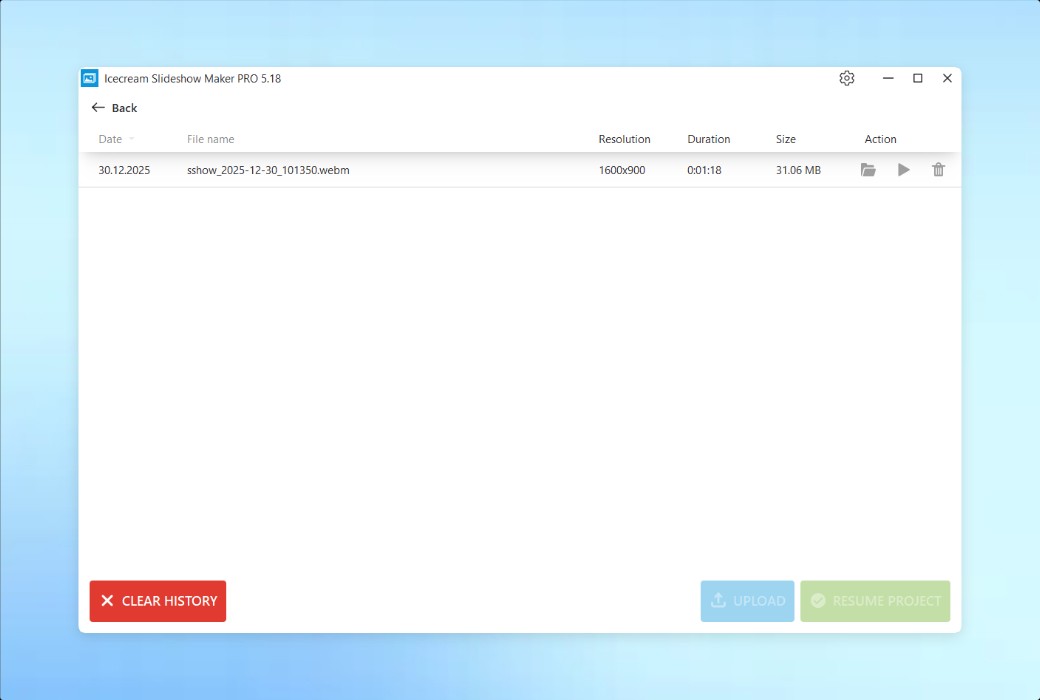
Do you need to create complex long slides? The slide production tool will restore the previous project when the program starts. In addition, you can also find any previously created slides from the "History" panel and make modifications.
Simply click the mouse to arrange the slides in alphabetical order or shuffle them in random order. Of course, you can also manually sort and rearrange the slides at any time through drag and drop operations.
Easily create photo slideshows for Instagram and Facebook. You can even use slide production tools to create high-definition 4K slides.
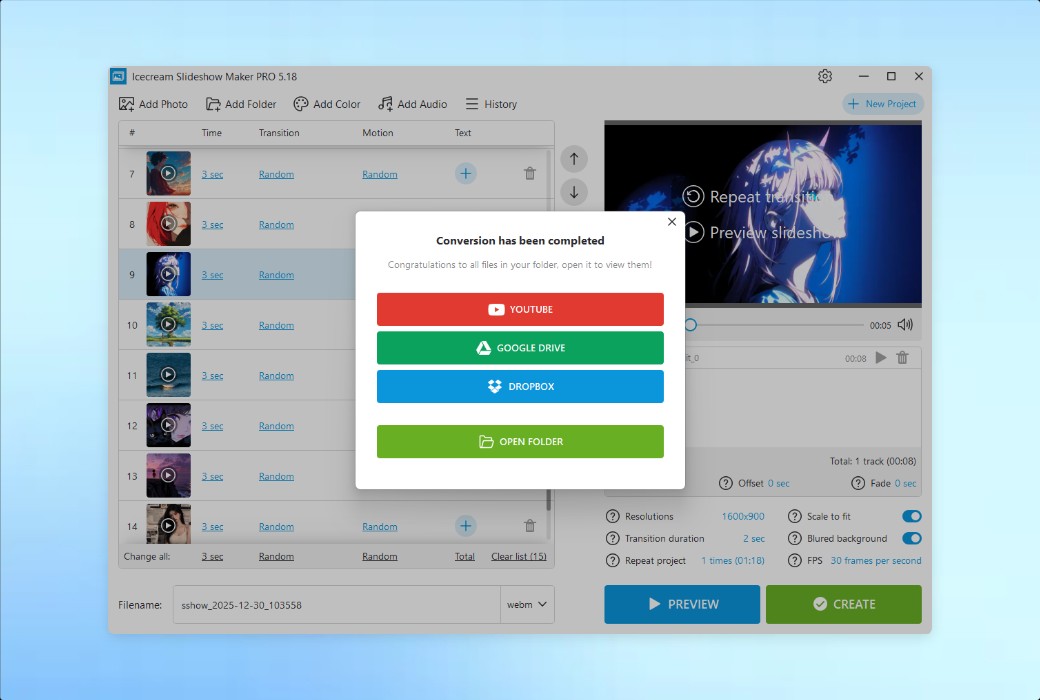
Upload your slideshow videos instantly to Google Drive, YouTube, or Dropbox. Easily share your presentation with friends and colleagues.
Do you want to make a physical copy of the slides for future viewing on television? By using Icecream Slideshow Maker, you can burn it to a DVD disc.
Add dynamic motion and visual effects to static images, transforming them into vivid and interesting slides.
Let your slide presentation loop a specified number of times. Create a smooth and uninterrupted viewing experience.
Official website:https://icecreamapps.com/Slideshow-Maker/
Download Center:https://icecream-slideshow-maker.apsgo.cn
Delivery time:Manually process shipments online
Operating Platform:Windows
Interface language:Supports English interface display and multiple language options.
Update Description:Use and update during the subscription period.
Trial before purchase:Free trial is available before purchase.
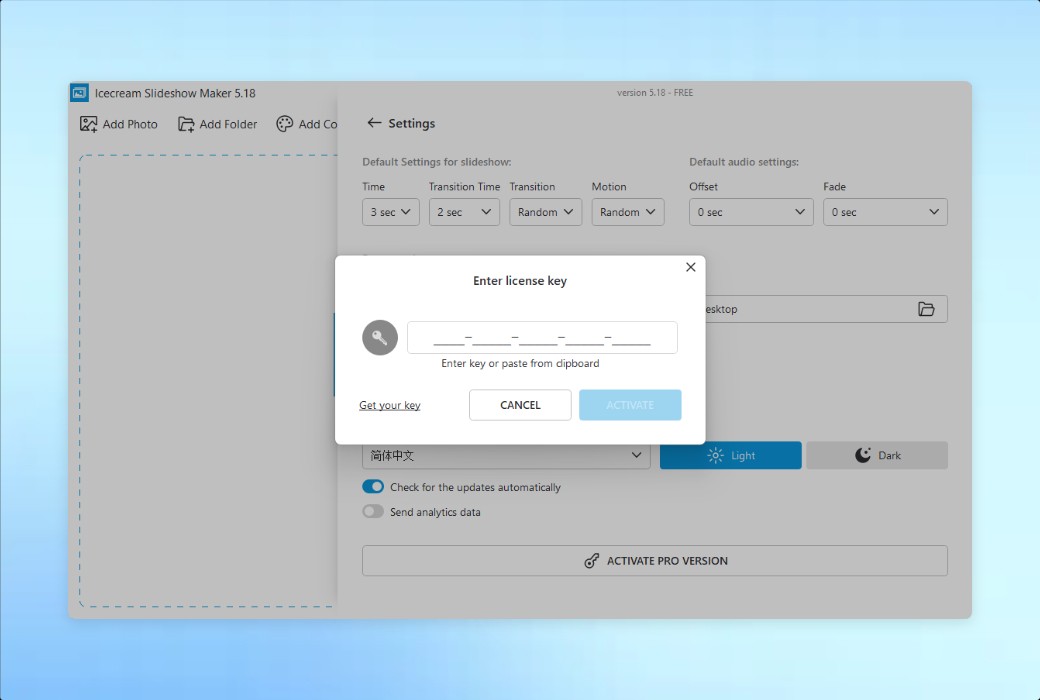
How to receive goods:After purchase, the activation information will be sent to the email address at the time of placing the order, and the corresponding product activation code can be viewed in the personal center, My Orders.
Number of devices:Can install one computer.
Replace computer:Need to contact the official for manual transfer.
Activation guidance:To be added.
Special note:To be added.
reference material:https://icecreamapps.com/Slideshow-Maker/

Any question